Stay updated with our latest blog articles and events
Go to the playstore and search for the RobotBulls app or click here.
Scan the QR code with your phone to get redirected to the playstore.
Go to app.robotbulls.com.
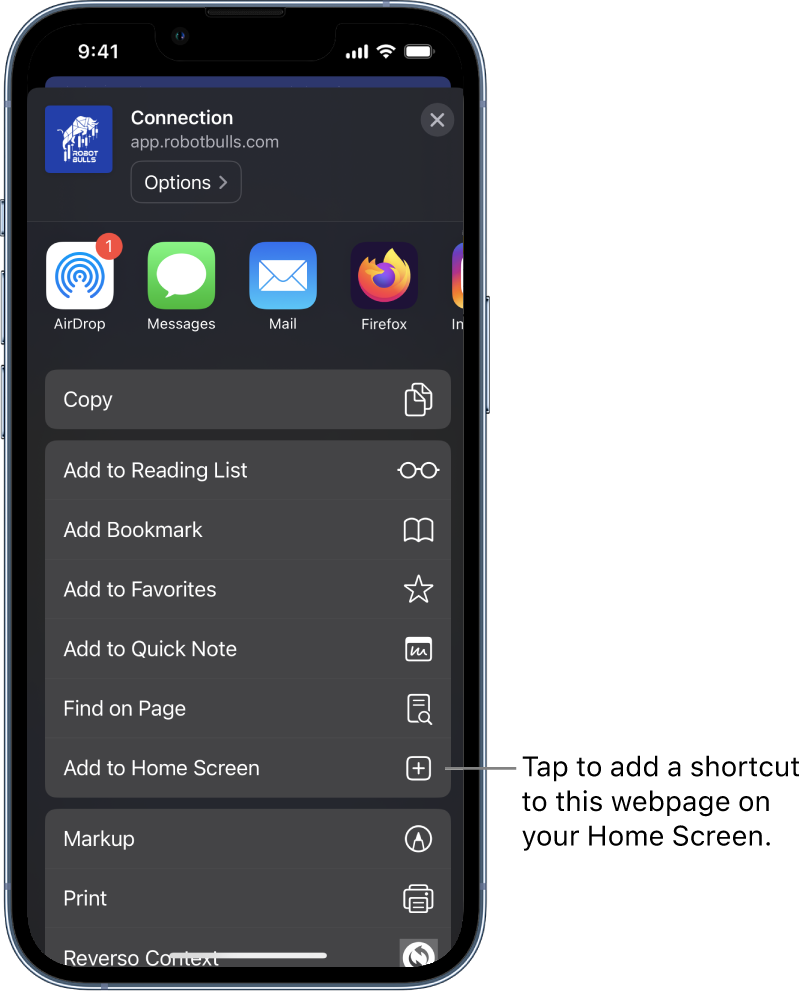
Click on the icon in the bottom of your Safari browser.
Click on "Add to Home Screen" (Picture 1)



 icon in the bottom of your Safari browser.